The One Feature That Could Save Your Digital Life (And Your Company’s Data
You wouldn’t drive without a seat belt. You wouldn’t leave your business unlocked overnight. So why are you operating online without Multi-Factor Authentication (MFA)?
MFA is the essential second lock on your digital door. Instead of relying solely on a password—which can be stolen, guessed, or phished—MFA adds a critical second layer of protection, such as a text code, an authentication app prompt, or a fingerprint scan. Even if a hacker successfully steals an employee’s password, without that second step, they hit a dead end.
The Power of the Extra Step: Protecting Against Breach
Think of it this way: If setting a strong password is locking your front door, enabling MFA is arming the entire security system. It’s not strictly necessary for every login, but it’s the fail-safe that guarantees protection if the first line of defense falls.
This quick extra step confirms that the person logging in is really you. Whether you call it Two-Factor Authentication (2FA), two-step verification, or a one-time password (OTP), the concept is the same: multiple methods required to confirm identity before granting access to confidential business information.
Real-World Protection: How MFA Stops 99.9% of Attacks
While MFA is easy and quick for your employees to use—often just a simple tap or code entry—it’s a massive roadblock for hackers.
MFA saves the day in two critical scenarios:
Stolen Credentials: If an unauthorized user attempts to log in using a stolen password, MFA immediately sends you a push notification or code request. This instantly alerts you to the password breach, giving you time to lock the account down and change the compromised credentials before any data is exfiltrated.
Phishing Defense: Even if a hacker successfully tricks an employee into sharing their login details via a sophisticated phishing campaign, the hacker still cannot get into the system without the physical or digital key (the second factor) that only the employee possesses.
The Evidence is Clear: Microsoft found that simply enabling MFA reduces the risk of account compromise by over 99.2%—and by 99.99% for accounts using app-based MFA.
Where and How to Implement MFA Across Your Business
Prioritizing MFA implementation across your most sensitive platforms is the single best investment you can make in your security this year.
The most crucial systems for enabling MFA are:
Financial & Banking Portals: Protecting accounts, payroll, and proprietary transactions.
Email & Cloud Storage: Securing communication and sensitive documents (e.g., Microsoft 365, Google Workspace, Dropbox).
Customer Relationship Management (CRM): Shielding client data and sales pipelines.
Critical Work Logins: Any platform holding client information or proprietary business data.
Setting Up MFA is Simple: Most major business platforms offer built-in MFA. You can enhance security by implementing a dedicated authenticator app across all employee devices, which is generally considered the most secure and reliable method.
Stop Gambling With Your Data. Partner with a Cybersecurity Expert.
MFA is a quick, free, and highly effective way to block the majority of account-based attacks. Taking a few minutes to enable it today can save your business from weeks (or years) of damage control, regulatory fines, and catastrophic data loss down the line.
The easiest and most reliable way to implement and manage MFA across your entire organization is to contact your IT provider. A knowledgeable Managed IT Service Provider (MSP) will ensure the process is smooth, secure, and fully compliant.
Techspert Data Services, LLC is your expert in business cybersecurity.
Set up a discovery call with our team now to implement enterprise-grade MFA and secure your digital life: https://tds-llc.com/discoverycall/
What to Know Before You Plug In Your Security Cameras and IoT Devices
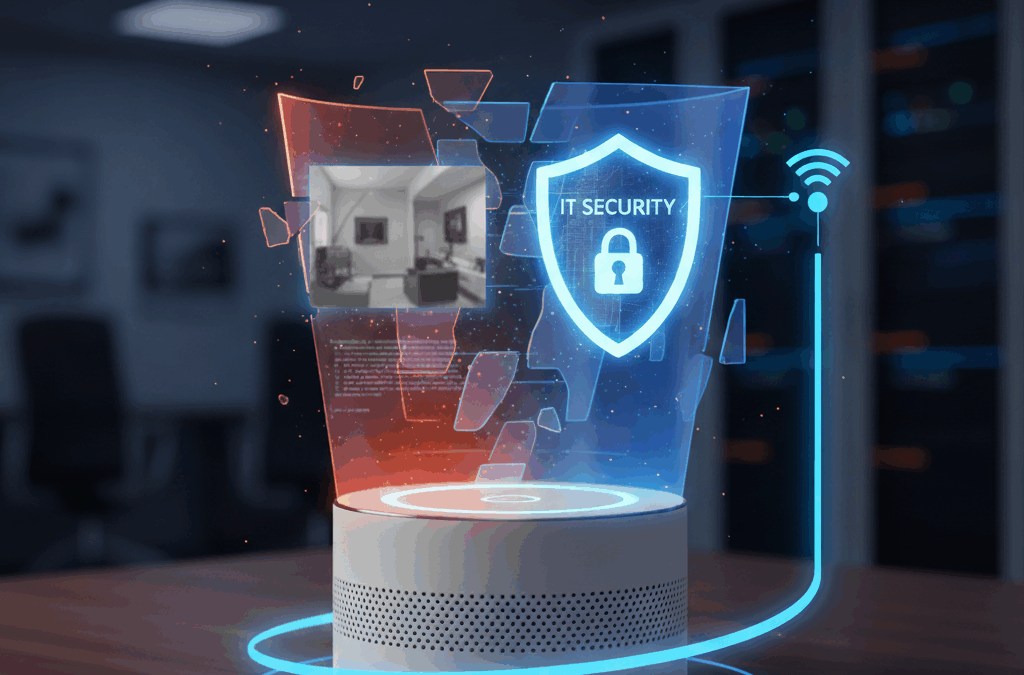
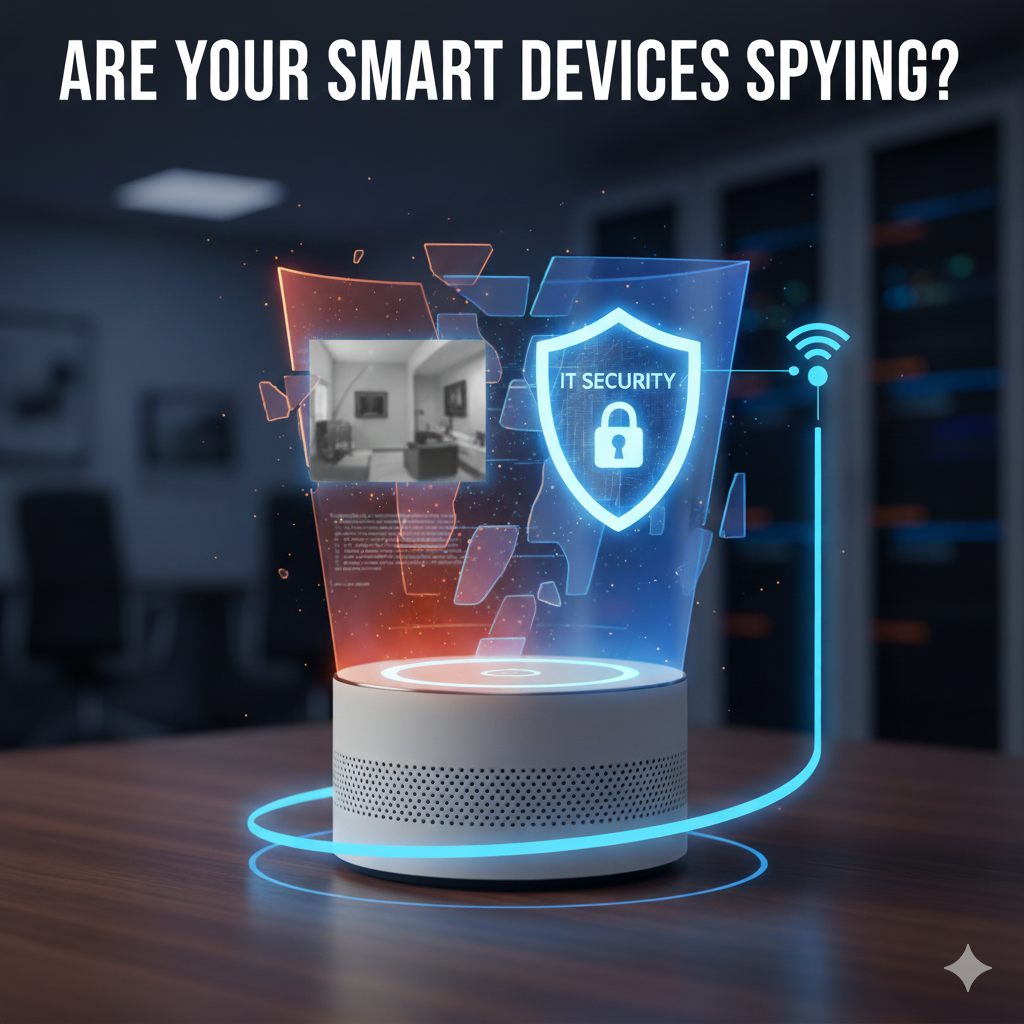
In 2020, a family’s Ring camera was hacked, allowing an intruder to speak to their child. This story isn’t rare. Smart cameras and other Internet of Things (IoT) devices bring security convenience to small businesses, but they also introduce serious IoT security risks if not properly secured.
Your affordable security solution could easily become a backdoor into your entire business network.
The Problem: Cheap Devices, Dumb Security
Many low-cost smart devices cut corners on security, skipping essential safeguards like strong encryption and regular updates. Even reputable brands can be vulnerable if you rely on default settings.
Hackers often target weak spots like:
Default usernames and passwords.
Outdated firmware.
Unsecured Wi-Fi connections.
A compromised camera doesn’t just show a video feed to a hacker; it can be a pathway to deeper network access, potentially exposing your client data, financial records, and other critical business information.
Your 3-Step Security Action Plan
To lock down your smart camera security and other IoT devices, follow these critical steps:
Buy Smart, Check Features: Only purchase devices from reputable brands that provide regular, long-term security updates. Ensure the device offers Multi-Factor Authentication (MFA) for logins and uses encryption for data being sent to the cloud.
Change Everything Immediately: When you plug a device in, the first thing you must do is change the default username and password. Then, enable automatic firmware and app updates so known vulnerabilities are patched instantly.
Crucial: Network Segmentation: This is non-negotiable for small business cybersecurity. Your smart devices (cameras, thermostats, voice assistants) must be placed on a separate Wi-Fi network from your main business systems (servers, workstations). This prevents a hacker from using a cheap camera as a stepping stone to your sensitive data.
Don’t Leave Your Business Exposed
All smart devices connected to your network—not just cameras—are potential security risks. The more you connect, the more carefully they must be managed.
Techspert Data Services, LLC specializes in securing small business networks and implementing essential defenses like network segmentation and MFA.
Schedule a free discovery call today, and we’ll help you review your IoT security setup before hackers do it for you. https://tds-llc.com/discoverycall/
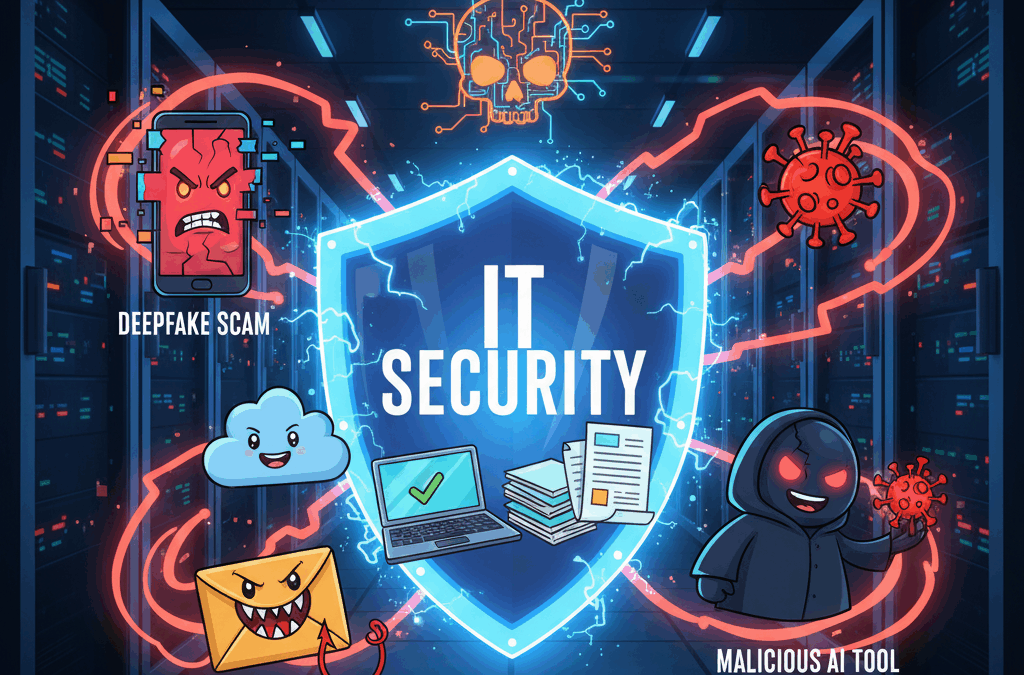
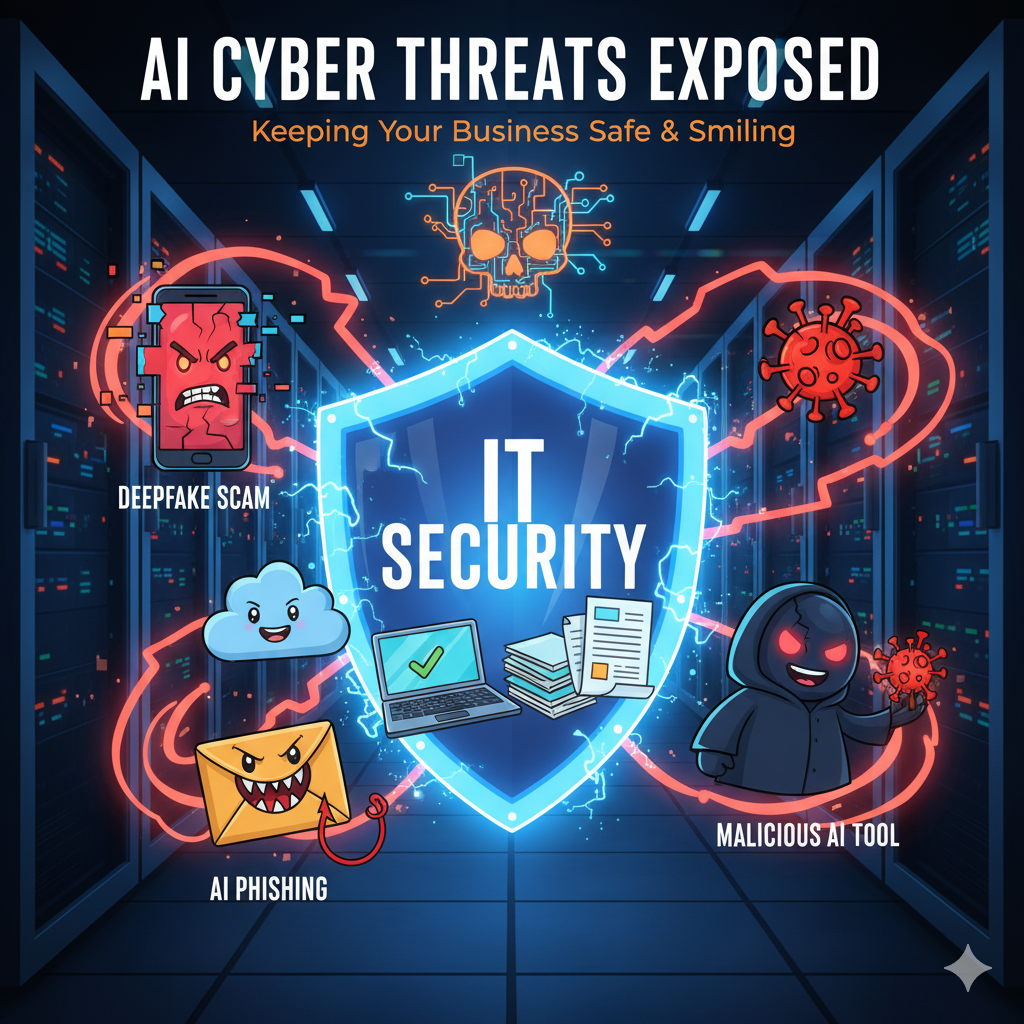
AI is rapidly advancing—and bringing with it a whole new way to do business. While this progress is exciting, it’s also alarming when you consider that attackers have just as much access to these powerful AI tools as you do. Ignoring the risks is no longer an option.
We’re pulling back the curtain on the most dangerous AI cyber threats currently targeting businesses.
1. Deepfake Scams: The Rise of the Video Doppelgängers
AI-generated deepfakes have become scarily accurate, and threat actors are using this to their advantage in sophisticated social engineering attacks against businesses.
For example, a security vendor recently observed an incident where an employee of a cryptocurrency foundation joined a Zoom meeting with several deepfakes of known senior leadership. The deepfakes instructed the employee to download a malicious Zoom extension, paving the way for a major intrusion.
For your business, these deepfake scams are turning existing verification processes upside down. To identify them, look for red flags such as:
Facial inconsistencies or “masking.”
Unnaturally long silences or voice delays.
Strange lighting or poor audio sync.
2. AI-Powered Phishing: Creepy Crawlies In Your Inbox
Phishing emails have been a persistent problem for years, but the introduction of AI has dramatically lowered the barrier to entry for attackers.
Since threat actors can now use AI to write emails for them, many of the obvious tells—like bad grammar or spelling errors—are no longer reliable ways to spot a suspicious message. Attackers are also integrating AI tools to instantly translate landing pages or emails into other languages, allowing them to scale their phishing campaigns globally and bypass regional detection efforts.
However, many of the same core security measures still apply to AI-powered phishing content:
Multifactor Authentication (MFA): This remains your strongest defense, making it much harder for attackers to get through even if they steal a password.
Security Awareness Training: This is essential for teaching employees to spot non-grammar red flags, such as messages expressing extreme urgency or requests for unusual actions.
3. Malicious AI Tools: Skeleton Software & Malware Traps
Attackers are riding on the popularity of AI to trick people into downloading malware. We frequently see threat actors tailoring their lures to take advantage of popular current events or technology trends.
In this case, fake AI “tools” or “generators” are built with just enough legitimate-looking software to appear convincing—but underneath the surface, they’re chock-full of malware.
For instance, a TikTok account was reportedly posting videos showing ways to install “cracked software” to bypass licensing for popular apps like ChatGPT via a simple PowerShell command. In reality, the account was operating a widespread malware distribution campaign.
For businesses, security awareness training is key here. Your most reliable way to protect your systems is to establish a vetting process. Ask your Managed Service Provider (MSP) to vet any new, third-party AI tools or software you’re interested in before anyone on your team downloads them.
Ready To Chase The AI Ghosts Out Of Your Business?
AI cyber threats don’t have to keep you up at night. From deepfake scams to AI-powered phishing to malicious AI tools, attackers are getting smarter, but the right security partner will keep your business one step ahead.
A modern defense requires a comprehensive managed security service that includes MFA, robust endpoint protection, and continuous training.
Schedule your free discovery call today and let’s talk through how to protect your team from the scary side of AI… before it becomes a real problem. https://tds-llc.com/discoverycall/
October isn’t just about pumpkin spice; it’s Cybersecurity Awareness Month—the perfect time to step back and critically evaluate how your business is protecting its most valuable digital assets.
Here’s a hard truth: most data breaches and cyberattacks aren’t the work of an elite hacker. They happen because of simple, sloppy everyday habits. Think of an employee clicking a bad phishing link, delaying a critical software update, or reusing a password already stolen in a major breach. In fact, a staggering percentage of breaches are due to human error.
The great news? Small, practical changes in your daily routines can add up to big protection. Security isn’t just an IT problem; it’s a team sport. Adopting these four essential cybersecurity habits will transform your business from vulnerable to resilient.
1. Communication: Making Security a Daily Conversation
Effective cybersecurity begins with consistent, clear communication. Security shouldn’t be a mysterious topic that only the IT department worries about; it must be a visible, everyday part of your team’s workflow. When security becomes a normal, non-judgmental part of the discussion, it feels less like “extra work” and more like second nature.
How to make security a communications priority:
Regular Phishing Training: Dedicate 5 minutes in a staff meeting for a short reminder on how to spot the latest phishing email or text scam.
Industry Alerts: Share recent news of scams or breaches specific to your industry or local area to keep everyone on high alert.
Simple, Jargon-Free Language: Avoid complex technical terms. Explain why certain habits are important in a way everyone can understand.
Compliance is about more than just avoiding costly government fines—it’s about protecting customer trust and your professional reputation. Every business operates under rules, whether it’s HIPAA for health care, PCI-DSS for credit card payments, or simply the moral and legal obligation to safeguard sensitive customer information.
Even if you aren’t in a highly regulated industry, customers and partners still expect you to protect their data. Falling short can damage your reputation just as much as it can hurt your bottom line.
Key Compliance Best Practices:
Policy Audits: Review your data protection policies regularly to ensure they align with current state, federal, and industry-specific regulations.
Documentation: Maintain meticulous records of security training, software patches, and system updates to prove due diligence.
Shared Responsibility: Make compliance a team effort. Ensure employees in HR, finance, and operations understand their role in protecting specific types of data.
3. Continuity: Ensuring Business Stays Online
If a worst-case scenario hits tomorrow—say, your systems are locked by ransomware or a server fails—how quickly can your business get back up and running? Business continuity is all about being prepared for disaster so your operations remain uninterrupted.
You can’t afford to wait until a crisis forces your hand. Planning and practice are everything.
Actionable Steps for Business Continuity:
Automated and Tested Backups: Ensure your data backups are running automatically, securely stored off-site (the 3-2-1 backup rule is best), and, most critically, tested regularly.
Incident Response Plan: Have a clear, documented plan for what to do if a breach, ransomware attack, or major outage occurs. This plan should cover communication, isolation, and recovery.
Practice Your Recovery: Even a simple annual test, like restoring one critical file from backup, can prove whether your recovery plan is actually viable.
4. Culture: Your People Are Your Strongest Defense
At the end of the day, your team is your first and most effective line of defense against cyber threats. Building a culture of security means weaving good cyber habits into the very fabric of your everyday work. This is how you shift from reactive to proactive protection.
Ways to foster a strong Security Culture:
Mandate Strong Authentication: Require MFA (multi-factor authentication) on all business accounts that support it—it’s one of the single most effective ways to prevent unauthorized access.
Promote Password Management: Encourage the use of a secure password manager to ensure employees use unique, complex passwords for every service.
Celebrate Vigilance: Recognize and reward employees who successfully catch phishing attempts, report suspicious activity, or point out a security flaw. This reinforces good habits and makes security a team win!
Ready to Put These Habits Into Action?
Cybersecurity Awareness Month is a powerful annual reminder that keeping your business safe is less about complex software and more about empowering your people. By building strong habits around Communication, Compliance, Continuity, and Culture, you’re not just avoiding threats—you’re creating a workplace that takes security seriously every single day.
Don’t wait until a major data breach forces an expensive, stressful clean-up.
Schedule a free discovery call today and let us help you implement these four essential habits and build a truly cyber-smart culture in your workplace. https://tds-llc.com/discoverycall/
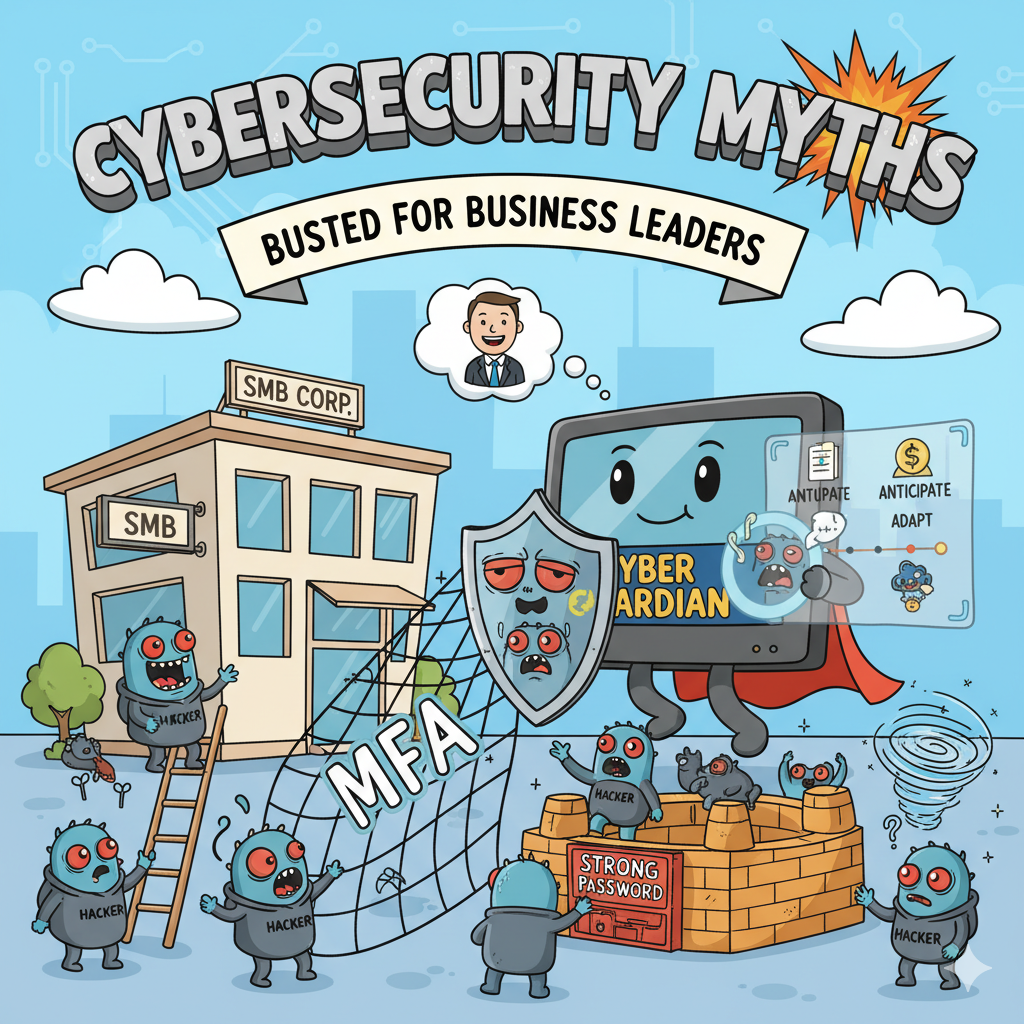
Are you confident your business is safe from cyber threats? Many business leaders operate on common misconceptions that leave their companies wide open to attack. These aren’t just harmless stories—they are dangerous myths that can create critical gaps in your defenses.
It’s time to separate fact from fiction. Here are five of the most pervasive cybersecurity myths and the essential truths you need to know.
Myth #1: We’re Too Small to Be a Target
Many small and medium-sized business (SMB) owners believe they are too insignificant for cybercriminals to bother with. The truth? Cybercriminals actively target SMBs. They know smaller companies often lack the resources for robust IT security and are easier to exploit.
Cyberattacks impact organizations of every size, in every industry and location. They strike over 80% of businesses, and the global financial damage is projected to reach a staggering $9.5 trillion. While a large corporation might recover from a data breach, a single ransomware attack can be enough to put an SMB permanently out of business.
You must assume you are a target—because you are. Protecting your business’s data is no longer optional; it’s a fundamental requirement.
Myth #2: If It Worked Then, It’ll Work Now
It’s tempting to think that since you haven’t had a security incident in the past, you’re safe for the future. This belief ignores the rapid and relentless evolution of cybercrime. The threat landscape is constantly changing, with hackers developing new tools and tactics every day.
Cybersecurity isn’t a one-and-done task; it’s a continuous game of cat-and-mouse. If you aren’t adapting your security measures, you’re falling behind. Effective security is a proactive cycle of anticipation, adaptation, and action.
Myth #3: Once Secure, Always Secure
Security is not a final destination—it’s an ongoing journey. Just like your business, your technology is always in flux. Every time you hire a new employee, add a new device, or install new software, your network’s configuration shifts. This creates new vulnerabilities for cybercriminals to exploit.
That’s why continuous monitoring and management are essential to maintaining security integrity. The attack surface extends beyond your servers and computers to include every connected device and user. Strong cybersecurity solutions demand a holistic, proactive, and continuous approach.
Myth #4: Security Is Incompatible with Business Growth
Many organizations still believe security initiatives create friction, delay projects, and increase costs. This outdated thinking frames security and business optimization as mutually exclusive goals, as if improving one must compromise the other.
Modern practices prove the opposite. Security enables optimization. Secure systems are inherently more resilient, predictable, and cost-effective. By embedding security into your operations, you minimize risk and waste, ultimately driving better business performance. Security isn’t a barrier to growth—it’s a powerful accelerator.
Myth #5: A Strong Password Is All I Need
Creating strong, unique passwords for every account is a crucial first step, but it’s far from a complete security strategy. A simple password, no matter how complex, can still be compromised.
To truly protect your data, you need multiple layers of defense:
Unique Passwords: Never reuse passwords. A password manager is the best way to securely store unique credentials for all your accounts.
Multi-Factor Authentication (MFA): This simple step requires a second form of verification (like a code sent to your phone) to access an account. It’s the single most effective way to prevent account takeovers.
Professional Expertise: Even with these measures, many other vulnerabilities exist. Partnering with a trusted Managed Service Provider (MSP) is a critical component of maintaining comprehensive IT security.
Ready to Protect Your Business?
If you need a trusted partner to help you navigate the complexities of cybersecurity and safeguard your business, contact our team today. Schedule a FREE 10-Minute Discovery Call to map out the next steps to get your cybersecurity up to par.