The One Feature That Could Save Your Digital Life (And Your Company’s Data
You wouldn’t drive without a seat belt. You wouldn’t leave your business unlocked overnight. So why are you operating online without Multi-Factor Authentication (MFA)?
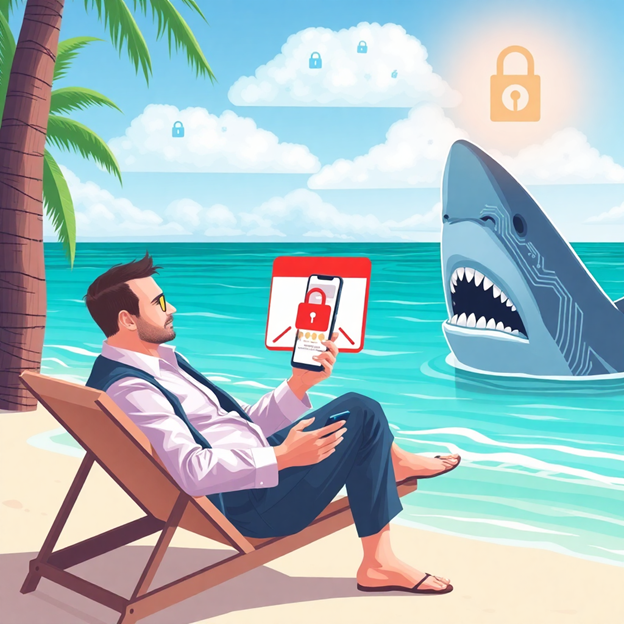
MFA is the essential second lock on your digital door. Instead of relying solely on a password—which can be stolen, guessed, or phished—MFA adds a critical second layer of protection, such as a text code, an authentication app prompt, or a fingerprint scan. Even if a hacker successfully steals an employee’s password, without that second step, they hit a dead end.
The Power of the Extra Step: Protecting Against Breach
Think of it this way: If setting a strong password is locking your front door, enabling MFA is arming the entire security system. It’s not strictly necessary for every login, but it’s the fail-safe that guarantees protection if the first line of defense falls.
This quick extra step confirms that the person logging in is really you. Whether you call it Two-Factor Authentication (2FA), two-step verification, or a one-time password (OTP), the concept is the same: multiple methods required to confirm identity before granting access to confidential business information.
Real-World Protection: How MFA Stops 99.9% of Attacks
While MFA is easy and quick for your employees to use—often just a simple tap or code entry—it’s a massive roadblock for hackers.
MFA saves the day in two critical scenarios:
Stolen Credentials: If an unauthorized user attempts to log in using a stolen password, MFA immediately sends you a push notification or code request. This instantly alerts you to the password breach, giving you time to lock the account down and change the compromised credentials before any data is exfiltrated.
Phishing Defense: Even if a hacker successfully tricks an employee into sharing their login details via a sophisticated phishing campaign, the hacker still cannot get into the system without the physical or digital key (the second factor) that only the employee possesses.
The Evidence is Clear: Microsoft found that simply enabling MFA reduces the risk of account compromise by over 99.2%—and by 99.99% for accounts using app-based MFA.
Where and How to Implement MFA Across Your Business
Prioritizing MFA implementation across your most sensitive platforms is the single best investment you can make in your security this year.
The most crucial systems for enabling MFA are:
Financial & Banking Portals: Protecting accounts, payroll, and proprietary transactions.
Email & Cloud Storage: Securing communication and sensitive documents (e.g., Microsoft 365, Google Workspace, Dropbox).
Customer Relationship Management (CRM): Shielding client data and sales pipelines.
Critical Work Logins: Any platform holding client information or proprietary business data.
Setting Up MFA is Simple: Most major business platforms offer built-in MFA. You can enhance security by implementing a dedicated authenticator app across all employee devices, which is generally considered the most secure and reliable method.
Stop Gambling With Your Data. Partner with a Cybersecurity Expert.
MFA is a quick, free, and highly effective way to block the majority of account-based attacks. Taking a few minutes to enable it today can save your business from weeks (or years) of damage control, regulatory fines, and catastrophic data loss down the line.
The easiest and most reliable way to implement and manage MFA across your entire organization is to contact your IT provider. A knowledgeable Managed IT Service Provider (MSP) will ensure the process is smooth, secure, and fully compliant.
Techspert Data Services, LLC is your expert in business cybersecurity.
Set up a discovery call with our team now to implement enterprise-grade MFA and secure your digital life: https://tds-llc.com/discoverycall/
What to Know Before You Plug In Your Security Cameras and IoT Devices
In 2020, a family’s Ring camera was hacked, allowing an intruder to speak to their child. This story isn’t rare. Smart cameras and other Internet of Things (IoT) devices bring security convenience to small businesses, but they also introduce serious IoT security risks if not properly secured.
Your affordable security solution could easily become a backdoor into your entire business network.
The Problem: Cheap Devices, Dumb Security
Many low-cost smart devices cut corners on security, skipping essential safeguards like strong encryption and regular updates. Even reputable brands can be vulnerable if you rely on default settings.
Hackers often target weak spots like:
Default usernames and passwords.
Outdated firmware.
Unsecured Wi-Fi connections.
A compromised camera doesn’t just show a video feed to a hacker; it can be a pathway to deeper network access, potentially exposing your client data, financial records, and other critical business information.
Your 3-Step Security Action Plan
To lock down your smart camera security and other IoT devices, follow these critical steps:
Buy Smart, Check Features: Only purchase devices from reputable brands that provide regular, long-term security updates. Ensure the device offers Multi-Factor Authentication (MFA) for logins and uses encryption for data being sent to the cloud.
Change Everything Immediately: When you plug a device in, the first thing you must do is change the default username and password. Then, enable automatic firmware and app updates so known vulnerabilities are patched instantly.
Crucial: Network Segmentation: This is non-negotiable for small business cybersecurity. Your smart devices (cameras, thermostats, voice assistants) must be placed on a separate Wi-Fi network from your main business systems (servers, workstations). This prevents a hacker from using a cheap camera as a stepping stone to your sensitive data.
Don’t Leave Your Business Exposed
All smart devices connected to your network—not just cameras—are potential security risks. The more you connect, the more carefully they must be managed.
Techspert Data Services, LLC specializes in securing small business networks and implementing essential defenses like network segmentation and MFA.
Schedule a free discovery call today, and we’ll help you review your IoT security setup before hackers do it for you. https://tds-llc.com/discoverycall/
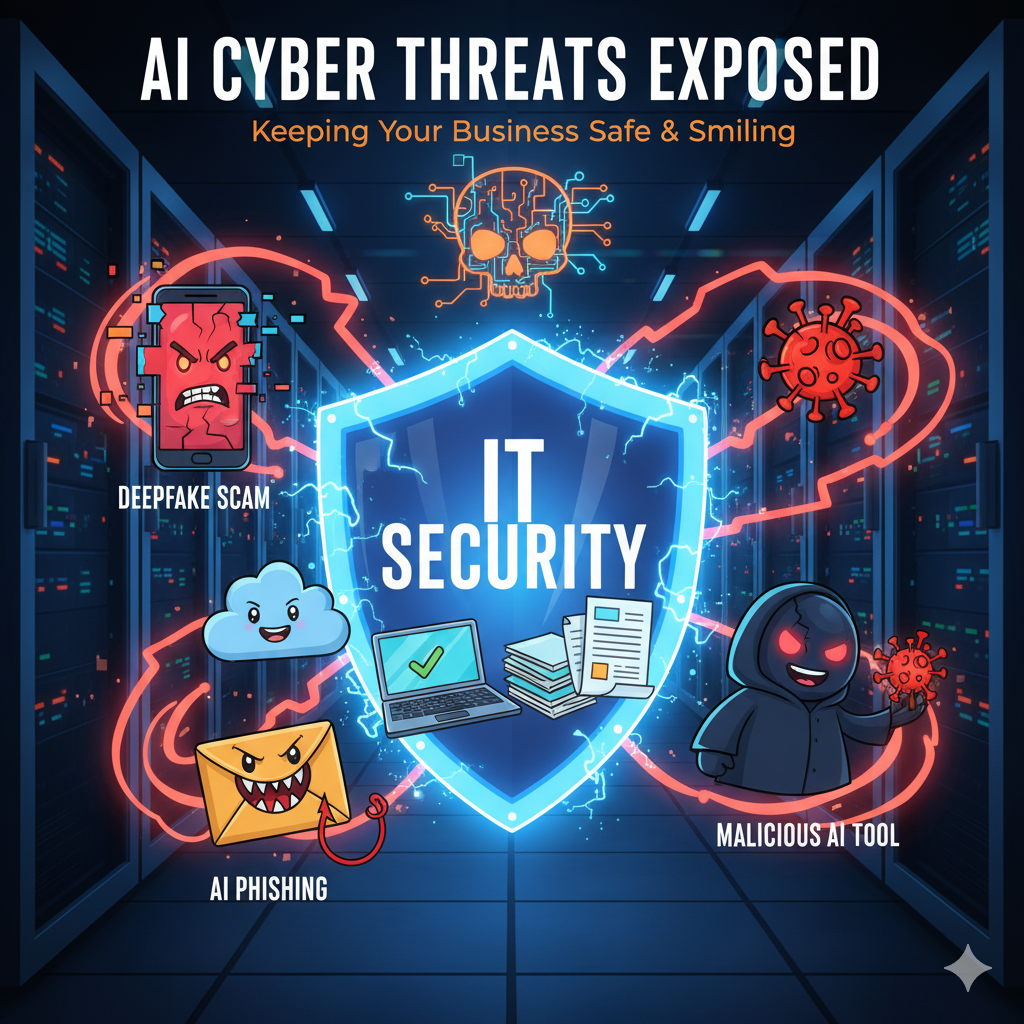
AI is rapidly advancing—and bringing with it a whole new way to do business. While this progress is exciting, it’s also alarming when you consider that attackers have just as much access to these powerful AI tools as you do. Ignoring the risks is no longer an option.
We’re pulling back the curtain on the most dangerous AI cyber threats currently targeting businesses.
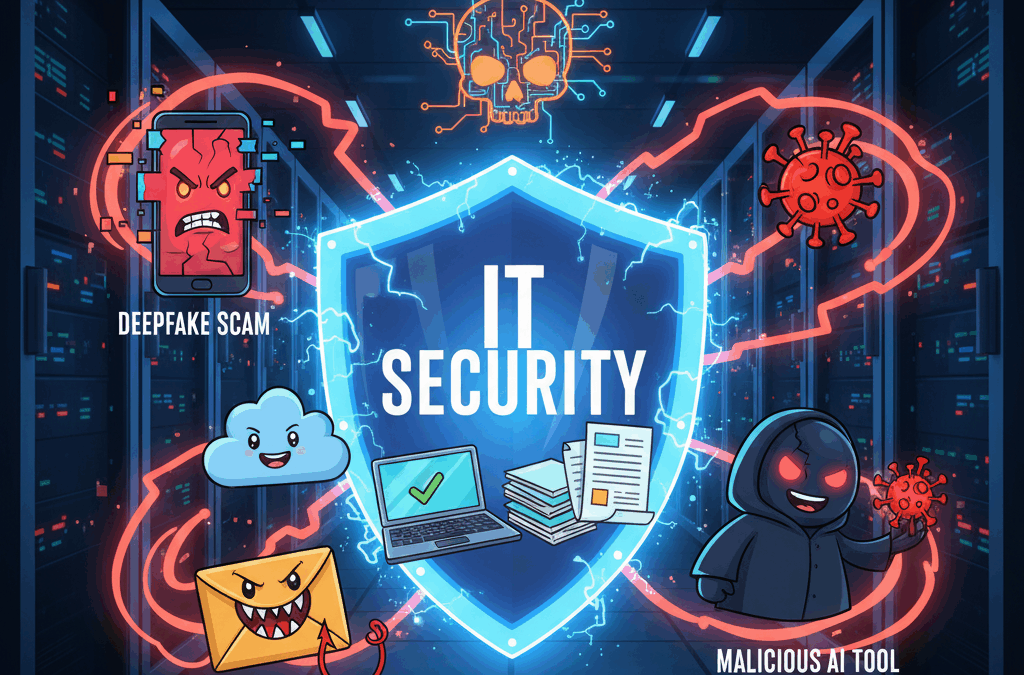
1. Deepfake Scams: The Rise of the Video Doppelgängers
AI-generated deepfakes have become scarily accurate, and threat actors are using this to their advantage in sophisticated social engineering attacks against businesses.
For example, a security vendor recently observed an incident where an employee of a cryptocurrency foundation joined a Zoom meeting with several deepfakes of known senior leadership. The deepfakes instructed the employee to download a malicious Zoom extension, paving the way for a major intrusion.
For your business, these deepfake scams are turning existing verification processes upside down. To identify them, look for red flags such as:
Facial inconsistencies or “masking.”
Unnaturally long silences or voice delays.
Strange lighting or poor audio sync.
2. AI-Powered Phishing: Creepy Crawlies In Your Inbox
Phishing emails have been a persistent problem for years, but the introduction of AI has dramatically lowered the barrier to entry for attackers.
Since threat actors can now use AI to write emails for them, many of the obvious tells—like bad grammar or spelling errors—are no longer reliable ways to spot a suspicious message. Attackers are also integrating AI tools to instantly translate landing pages or emails into other languages, allowing them to scale their phishing campaigns globally and bypass regional detection efforts.
However, many of the same core security measures still apply to AI-powered phishing content:
Multifactor Authentication (MFA): This remains your strongest defense, making it much harder for attackers to get through even if they steal a password.
Security Awareness Training: This is essential for teaching employees to spot non-grammar red flags, such as messages expressing extreme urgency or requests for unusual actions.
3. Malicious AI Tools: Skeleton Software & Malware Traps
Attackers are riding on the popularity of AI to trick people into downloading malware. We frequently see threat actors tailoring their lures to take advantage of popular current events or technology trends.
In this case, fake AI “tools” or “generators” are built with just enough legitimate-looking software to appear convincing—but underneath the surface, they’re chock-full of malware.
For instance, a TikTok account was reportedly posting videos showing ways to install “cracked software” to bypass licensing for popular apps like ChatGPT via a simple PowerShell command. In reality, the account was operating a widespread malware distribution campaign.
For businesses, security awareness training is key here. Your most reliable way to protect your systems is to establish a vetting process. Ask your Managed Service Provider (MSP) to vet any new, third-party AI tools or software you’re interested in before anyone on your team downloads them.
Ready To Chase The AI Ghosts Out Of Your Business?
AI cyber threats don’t have to keep you up at night. From deepfake scams to AI-powered phishing to malicious AI tools, attackers are getting smarter, but the right security partner will keep your business one step ahead.
A modern defense requires a comprehensive managed security service that includes MFA, robust endpoint protection, and continuous training.
Schedule your free discovery call today and let’s talk through how to protect your team from the scary side of AI… before it becomes a real problem. https://tds-llc.com/discoverycall/
October isn’t just about pumpkin spice; it’s Cybersecurity Awareness Month—the perfect time to step back and critically evaluate how your business is protecting its most valuable digital assets.
Here’s a hard truth: most data breaches and cyberattacks aren’t the work of an elite hacker. They happen because of simple, sloppy everyday habits. Think of an employee clicking a bad phishing link, delaying a critical software update, or reusing a password already stolen in a major breach. In fact, a staggering percentage of breaches are due to human error.
The great news? Small, practical changes in your daily routines can add up to big protection. Security isn’t just an IT problem; it’s a team sport. Adopting these four essential cybersecurity habits will transform your business from vulnerable to resilient.
1. Communication: Making Security a Daily Conversation
Effective cybersecurity begins with consistent, clear communication. Security shouldn’t be a mysterious topic that only the IT department worries about; it must be a visible, everyday part of your team’s workflow. When security becomes a normal, non-judgmental part of the discussion, it feels less like “extra work” and more like second nature.
How to make security a communications priority:
Regular Phishing Training: Dedicate 5 minutes in a staff meeting for a short reminder on how to spot the latest phishing email or text scam.
Industry Alerts: Share recent news of scams or breaches specific to your industry or local area to keep everyone on high alert.
Simple, Jargon-Free Language: Avoid complex technical terms. Explain why certain habits are important in a way everyone can understand.
Compliance is about more than just avoiding costly government fines—it’s about protecting customer trust and your professional reputation. Every business operates under rules, whether it’s HIPAA for health care, PCI-DSS for credit card payments, or simply the moral and legal obligation to safeguard sensitive customer information.
Even if you aren’t in a highly regulated industry, customers and partners still expect you to protect their data. Falling short can damage your reputation just as much as it can hurt your bottom line.
Key Compliance Best Practices:
Policy Audits: Review your data protection policies regularly to ensure they align with current state, federal, and industry-specific regulations.
Documentation: Maintain meticulous records of security training, software patches, and system updates to prove due diligence.
Shared Responsibility: Make compliance a team effort. Ensure employees in HR, finance, and operations understand their role in protecting specific types of data.
3. Continuity: Ensuring Business Stays Online
If a worst-case scenario hits tomorrow—say, your systems are locked by ransomware or a server fails—how quickly can your business get back up and running? Business continuity is all about being prepared for disaster so your operations remain uninterrupted.
You can’t afford to wait until a crisis forces your hand. Planning and practice are everything.
Actionable Steps for Business Continuity:
Automated and Tested Backups: Ensure your data backups are running automatically, securely stored off-site (the 3-2-1 backup rule is best), and, most critically, tested regularly.
Incident Response Plan: Have a clear, documented plan for what to do if a breach, ransomware attack, or major outage occurs. This plan should cover communication, isolation, and recovery.
Practice Your Recovery: Even a simple annual test, like restoring one critical file from backup, can prove whether your recovery plan is actually viable.
4. Culture: Your People Are Your Strongest Defense
At the end of the day, your team is your first and most effective line of defense against cyber threats. Building a culture of security means weaving good cyber habits into the very fabric of your everyday work. This is how you shift from reactive to proactive protection.
Ways to foster a strong Security Culture:
Mandate Strong Authentication: Require MFA (multi-factor authentication) on all business accounts that support it—it’s one of the single most effective ways to prevent unauthorized access.
Promote Password Management: Encourage the use of a secure password manager to ensure employees use unique, complex passwords for every service.
Celebrate Vigilance: Recognize and reward employees who successfully catch phishing attempts, report suspicious activity, or point out a security flaw. This reinforces good habits and makes security a team win!
Ready to Put These Habits Into Action?
Cybersecurity Awareness Month is a powerful annual reminder that keeping your business safe is less about complex software and more about empowering your people. By building strong habits around Communication, Compliance, Continuity, and Culture, you’re not just avoiding threats—you’re creating a workplace that takes security seriously every single day.
Don’t wait until a major data breach forces an expensive, stressful clean-up.
Schedule a free discovery call today and let us help you implement these four essential habits and build a truly cyber-smart culture in your workplace. https://tds-llc.com/discoverycall/
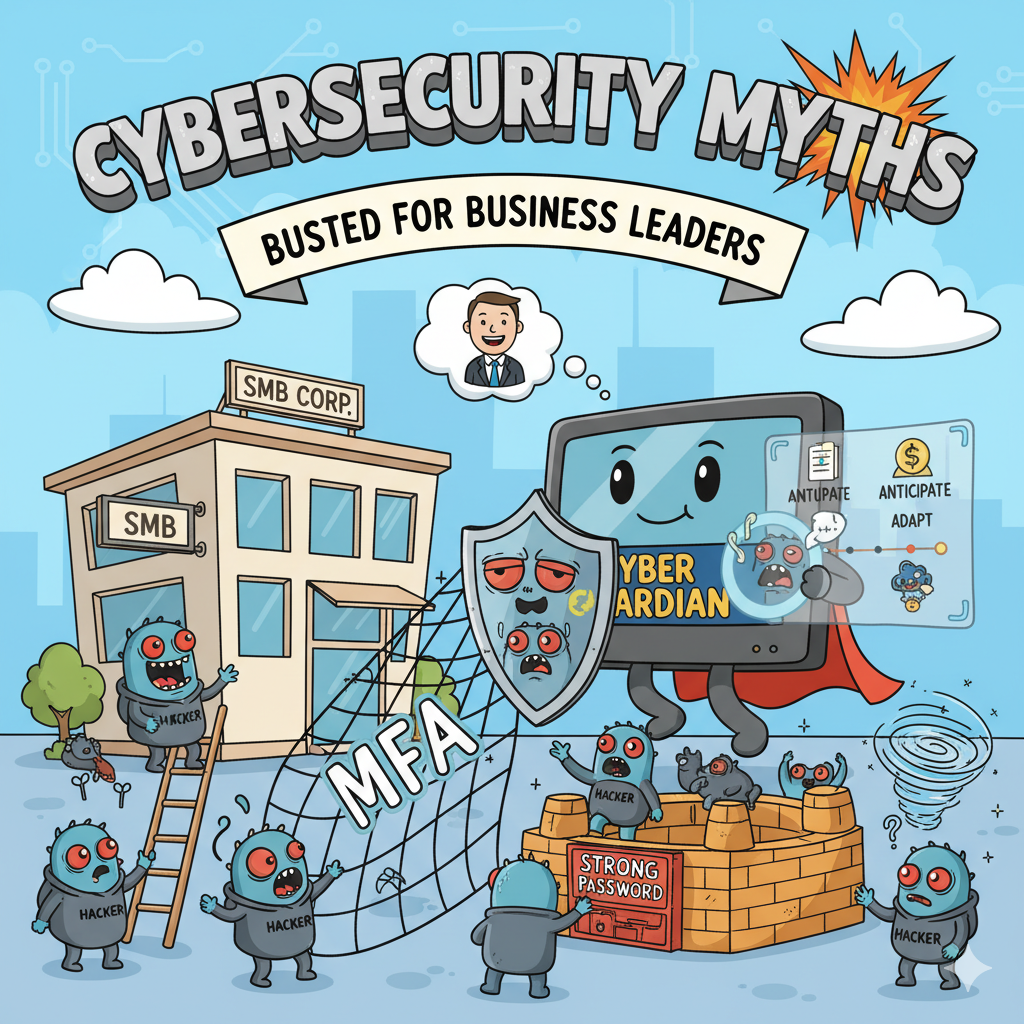
Are you confident your business is safe from cyber threats? Many business leaders operate on common misconceptions that leave their companies wide open to attack. These aren’t just harmless stories—they are dangerous myths that can create critical gaps in your defenses.
It’s time to separate fact from fiction. Here are five of the most pervasive cybersecurity myths and the essential truths you need to know.
Myth #1: We’re Too Small to Be a Target
Many small and medium-sized business (SMB) owners believe they are too insignificant for cybercriminals to bother with. The truth? Cybercriminals actively target SMBs. They know smaller companies often lack the resources for robust IT security and are easier to exploit.
Cyberattacks impact organizations of every size, in every industry and location. They strike over 80% of businesses, and the global financial damage is projected to reach a staggering $9.5 trillion. While a large corporation might recover from a data breach, a single ransomware attack can be enough to put an SMB permanently out of business.
You must assume you are a target—because you are. Protecting your business’s data is no longer optional; it’s a fundamental requirement.
Myth #2: If It Worked Then, It’ll Work Now
It’s tempting to think that since you haven’t had a security incident in the past, you’re safe for the future. This belief ignores the rapid and relentless evolution of cybercrime. The threat landscape is constantly changing, with hackers developing new tools and tactics every day.
Cybersecurity isn’t a one-and-done task; it’s a continuous game of cat-and-mouse. If you aren’t adapting your security measures, you’re falling behind. Effective security is a proactive cycle of anticipation, adaptation, and action.
Myth #3: Once Secure, Always Secure
Security is not a final destination—it’s an ongoing journey. Just like your business, your technology is always in flux. Every time you hire a new employee, add a new device, or install new software, your network’s configuration shifts. This creates new vulnerabilities for cybercriminals to exploit.
That’s why continuous monitoring and management are essential to maintaining security integrity. The attack surface extends beyond your servers and computers to include every connected device and user. Strong cybersecurity solutions demand a holistic, proactive, and continuous approach.
Myth #4: Security Is Incompatible with Business Growth
Many organizations still believe security initiatives create friction, delay projects, and increase costs. This outdated thinking frames security and business optimization as mutually exclusive goals, as if improving one must compromise the other.
Modern practices prove the opposite. Security enables optimization. Secure systems are inherently more resilient, predictable, and cost-effective. By embedding security into your operations, you minimize risk and waste, ultimately driving better business performance. Security isn’t a barrier to growth—it’s a powerful accelerator.
Myth #5: A Strong Password Is All I Need
Creating strong, unique passwords for every account is a crucial first step, but it’s far from a complete security strategy. A simple password, no matter how complex, can still be compromised.
To truly protect your data, you need multiple layers of defense:
Unique Passwords: Never reuse passwords. A password manager is the best way to securely store unique credentials for all your accounts.
Multi-Factor Authentication (MFA): This simple step requires a second form of verification (like a code sent to your phone) to access an account. It’s the single most effective way to prevent account takeovers.
Professional Expertise: Even with these measures, many other vulnerabilities exist. Partnering with a trusted Managed Service Provider (MSP) is a critical component of maintaining comprehensive IT security.
Ready to Protect Your Business?
If you need a trusted partner to help you navigate the complexities of cybersecurity and safeguard your business, contact our team today. Schedule a FREE 10-Minute Discovery Call to map out the next steps to get your cybersecurity up to par.
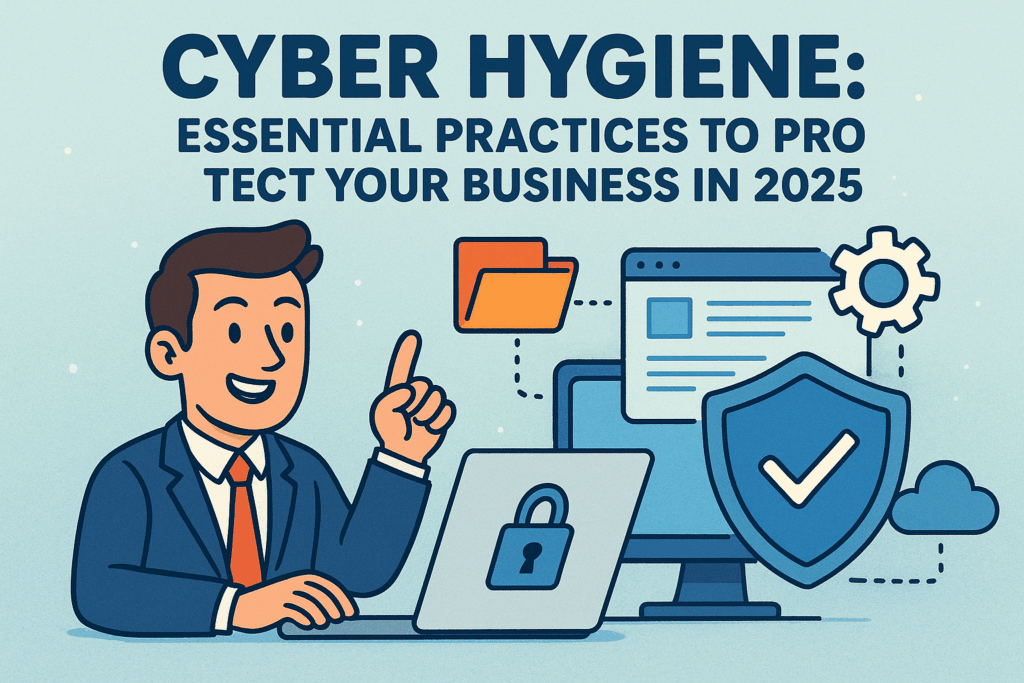
In today’s digital landscape, the fundamentals of cybersecurity remain your strongest defense against threats. Recent data from IBM’s 2025 Cost of a Data Breach Report reveals a sobering reality: 97% of organizations reported AI-related security incidents, with the average breach now costing businesses $4.44 million globally—and a staggering $10.22 million in the US alone.
This is where cyber hygiene becomes critical—think of it as your business’s daily digital defense routine. While it may not be the most exciting aspect of running your company, implementing these foundational practices is no longer optional. According to ENISA research, 90% of small and medium enterprises believe cybersecurity issues could severely impact their business within just one week.
Here are four essential cyber hygiene practices every business must implement:
1. Secure Your Network Infrastructure
Protect your internet connection by implementing strong encryption for all sensitive business data and deploying a properly configured firewall. Keep your WiFi network hidden by configuring your Service Set Identifier (SSID) settings to prevent broadcasting your network name to the public. Ensure your router uses a complex password that’s updated regularly. For remote workers—now a permanent fixture in many businesses—require virtual private network (VPN) usage when connecting to company resources, creating an encrypted tunnel for their communications regardless of location.
2. Develop Comprehensive Employee Training
Human error accounts for 26% of security incidents according to recent analysis. Establish clear security policies that address the most common vulnerabilities: require strong, unique passwords for all accounts; implement multifactor authentication (MFA) across all systems; create specific guidelines for appropriate internet usage; and develop protocols for handling sensitive information. Regular training sessions should focus on recognizing sophisticated phishing attempts, avoiding suspicious downloads, and understanding the importance of prompt security update installation. Remember that your security is only as strong as your least-trained team member.
3. Implement Robust Data Backup Systems
When facing a breach, system crash, or increasingly common ransomware attack (which now costs businesses an average of $5.08 million per incident), access to your critical data determines whether your operations continue or halt entirely. Establish a regular backup schedule for all essential business information—including documents, spreadsheets, financial records, customer data, and databases. Configure these backups to run automatically, removing the human element from this crucial process. Most importantly, store backup copies both in encrypted cloud storage and on secure offsite servers to ensure redundancy and accessibility during recovery operations.
4. Establish Strict Access Controls
Limiting access to sensitive systems significantly reduces your vulnerability surface. Even if perimeter defenses are compromised, proper access limitation ensures your most valuable data remains protected. Implement role-based access controls so staff members can only access the specific systems and data necessary for their job functions. No single employee—regardless of position—should have unrestricted access to all systems. Reserve administrative privileges exclusively for trusted IT personnel and essential leadership. Develop a thorough offboarding process that immediately revokes all access when employees depart the organization.
Security Investment Delivers Clear Returns
While implementing these measures requires initial investment of time and resources, the alternative is far more costly. With the average data breach now taking 277 days to identify and contain, the financial impact extends well beyond direct remediation costs to include business disruption, reputation damage, and potential regulatory penalties.
Ready to Strengthen Your Cyber Defenses? If you’re uncertain about your current security posture, now is the time for a thorough evaluation. Our complimentary Cybersecurity Risk Assessment will identify hidden vulnerabilities, pinpoint gaps in your security framework, and provide a clear, actionable roadmap to enhance your cyber hygiene practices. Don’t wait for a breach to expose weaknesses—schedule your assessment today: https://tds-llc.com/cyber-security-assessment/
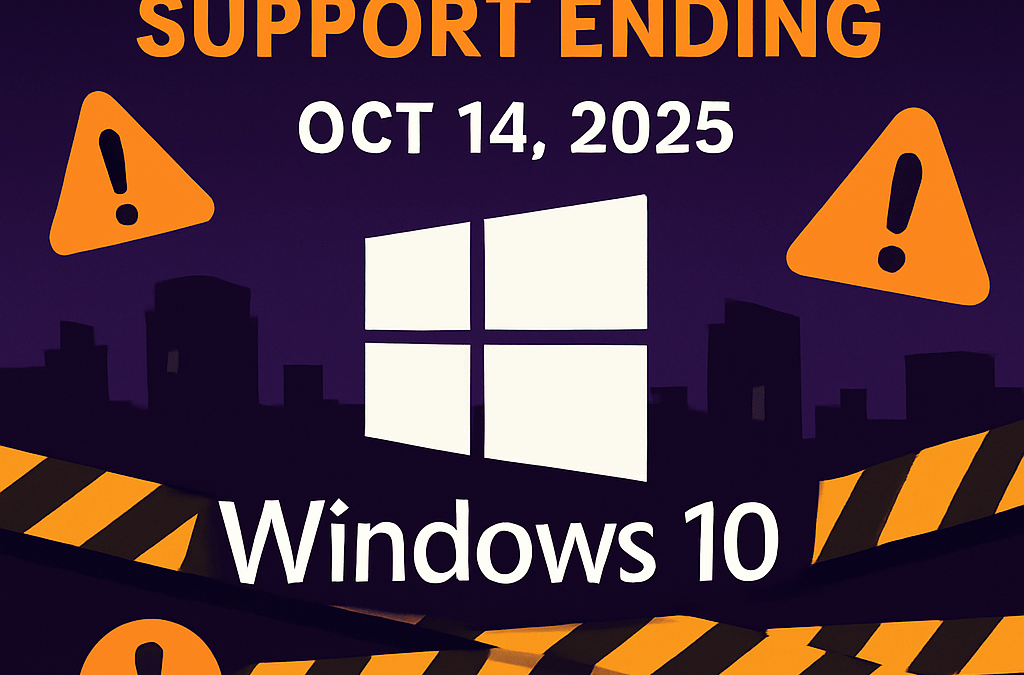
The Countdown Begins: Windows 10 Support Ending October 2025
Microsoft has officially announced Windows 10 support will end on October 14, 2025. While your computer won’t stop working after this date, Microsoft will discontinue all security updates, bug fixes, and technical assistance for Windows 10 devices. This affects all Windows 10 editions, including Home, Pro, Enterprise, and Education versions.
What Does End of Support Actually Mean?
When Windows 10 reaches its end of support date, Microsoft will stop providing:
Security updates to protect against new vulnerabilities
Technical support for Windows 10-related issues
Feature updates and bug fixes
Driver updates for new hardware
Without regular security updates, your system becomes increasingly vulnerable to malware, ransomware, and other cyber threats. For businesses in regulated industries, running unsupported operating systems often violates compliance requirements, potentially resulting in failed audits and regulatory penalties.
Your Options When Windows 10 Support Ends
Upgrade to Windows 11
For compatible devices, upgrading to Windows 11 is the most straightforward solution. Key requirements include:
1 GHz or faster processor with 2+ cores (64-bit)
4 GB RAM minimum
64 GB storage minimum
UEFI with Secure Boot capability
TPM version 2.0
Use Microsoft’s PC Health Check app to verify your device’s compatibility before attempting to upgrade.
Enroll in Extended Security Updates (ESU)
Microsoft will offer Extended Security Updates for one year after the official end date at $30 per device. This provides critical security updates until October 13, 2026. You can also qualify by redeeming 1,000 Microsoft Reward points or enabling Windows Backup to sync with OneDrive.
Replace Hardware
For devices that cannot run Windows 11, purchasing new hardware may be the most sensible long-term solution, offering improved performance, full Windows 11 compatibility, and enhanced security features.
Preparing for the Windows 10 Transition
Take these essential steps to prepare:
Inventory your devices and assess Windows 11 compatibility
Back up all important data before making any system changes
Develop a realistic timeline for your transition
Budget for necessary hardware replacements or ESU costs
For most organizations, partnering with experienced IT professionals can significantly smooth the transition process with minimal disruption to your operations.
Act Now to Prepare
The Windows 10 end of support date is approaching quickly. Whether you choose to upgrade to Windows 11, enroll in extended support, or replace hardware, taking action before the October 2025 deadline is crucial for maintaining security and compliance.
Summer vacation might be winding down, but cybercriminals are working overtime. Recent data from industry leaders ProofPoint and Check Point reveals an alarming trend: phishing attacks surge dramatically during August. This comprehensive guide explains why your organization faces increased risk and provides actionable strategies to protect your business during this vulnerable period.
The August Cybersecurity Threat Landscape-Vacation-Related Scams Explode
Cybercriminals strategically exploit summer travel patterns with sophisticated attacks. Check Point Research uncovered a 55% increase in malicious travel-related domains in May 2025 compared to last year. Of the 39,000+ newly registered vacation domains, a staggering one in 21 was flagged as either malicious or suspicious.keepnetlabs
Back-to-School Phishing Campaign Surge
Late August marks back-to-school season, triggering sophisticated phishing campaigns targeting both students and staff through seemingly legitimate university communications. These attacks are particularly dangerous when employees pursuing degrees check personal email on company devices—creating potential entry points to your business network.keepnetlabs
Why Cybercriminals Target August Specifically
Attackers carefully monitor seasonal behavior patterns, crafting campaigns that blend seamlessly with expected communications. August represents a perfect storm of vulnerability factors:
Transitional Period: Employees returning from vacation are less vigilant about security protocols
High Email Volume: Back-to-school and end-of-summer communications create inbox congestion
Distracted Workforce: Staff balancing work responsibilities with seasonal transitions
Cross-Device Behavior: Increased likelihood of accessing personal accounts on work devices
Advanced Protection Strategies Against Seasonal Phishing
While artificial intelligence strengthens cybersecurity defenses, it’s simultaneously making phishing attacks increasingly convincing. Implement these critical safeguards:
Email Security Protocols
Scrutinize Sender Information: Look beyond content to verify legitimate email addresses and link destinations
Verify Suspicious URLs: Be wary of misspellings and uncommon domain extensions (.today, .info) often used in scam sites
Direct Website Access: Manually navigate to official websites rather than clicking embedded links
Organizational Safeguards
Implement Robust MFA: Multi-factor authentication provides critical protection even if credentials are compromised
Enforce Device Separation Policies: Prohibit accessing personal accounts on company devices
Deploy Advanced Endpoint Security: Partner with your MSP to implement EDR (Endpoint Detection and Response) solutions that monitor, detect and block sophisticated phishing attempts
Travel-Specific Protection
Secure Public WiFi Usage: Mandate VPN usage when employees access company resources while traveling
Pre-Vacation Security Briefings: Provide targeted reminders before employee vacation periods
Just-in-Time Security Alerts: Schedule security reminders during high-risk seasonal periods
Staying Ahead of Evolving Threats
As phishing techniques grow increasingly sophisticated through AI advancement, employee education remains your strongest defense. Regular security awareness training that addresses seasonal attack patterns significantly reduces successful breach attempts.
If you and your employees’ credentials, passwords and private information are being sold on the Dark Web (I can practically guarantee they are, and the information we dig up will shock you). IF your IT systems and data are truly secured from hackers, cybercriminals, viruses, worms and even sabotage by rogue employees. IF your current backup would allow you to be back up and running again …
Small businesses aren’t just on cybercriminals’ radar – they’re in the crosshairs. While you might think hackers only target Fortune 500 companies, the reality is far more concerning: YOUR business is likely MORE vulnerable than major corporations.
THE SHOCKING COST OF BEING UNPREPARED
IBM’s Cost Of A Data Breach Report 2024 revealed a staggering figure: the average data breach now costs $4.88 million. This includes:
Extended business downtime
Customer loss and damaged trust
Legal fees and compliance penalties
Potential ransom payments
Devastating reputation damage
For most small businesses, this isn’t just a financial setback – it’s potentially a death sentence.
WE UNDERSTAND YOUR CYBERSECURITY CONCERNS
Rest easy knowing that we genuinely care about your success. That’s why we’re committed to sharing critical information about a technology that’s REVOLUTIONIZING small business protection.
THE GAME-CHANGING SOLUTION: ENDPOINT DETECTION AND RESPONSE
Traditional antivirus software is no longer enough. Modern threats require modern solutions – and that’s where Endpoint Detection and Response (EDR) comes in.
Think of EDR as your vigilant digital security team working 24/7:
It continuously monitors ALL activity on your business devices
It identifies suspicious behaviors that traditional tools miss
It automatically responds to threats BEFORE damage occurs
It provides comprehensive visibility across your entire network
WHY YOUR BUSINESS NEEDS EDR NOW MORE THAN EVER
Today’s cybercriminals aren’t using yesterday’s tactics. They’re:
Bypassing traditional security with stolen credentials
Disguising malware as legitimate business documents
Targeting your employees with sophisticated social engineering
Exploiting work-from-home vulnerabilities
We’ll be by your side, ensuring a seamless transition to better protection that stops these threats cold.
NOT JUST RECOMMENDED – INCREASINGLY REQUIRED
How can we serve you today? By ensuring you’re aware of this critical fact: Many cyber insurance providers now REQUIRE tools like EDR for coverage. Without it, you might find yourself uninsured when you need protection most.
It’s like having a smoke detector – not just smart protection, but a necessary safeguard.
IS YOUR BUSINESS TRULY PROTECTED?
Our experienced technicians will handle the deployment, configuration, and optimization of your new technology solutions. We’ll analyze your systems, identify areas for improvement, and recommend tailored solutions that fit your specific needs and budget.
Phone Calls Are Answered Live In 60 Seconds Or Less! We understand that when you have security concerns, immediate response matters.
FOCUS ON YOUR GROWING BUSINESS WHILE WE MANAGE YOUR TECHNOLOGY
Business leaders should be free to focus on strategic decisions, not IT troubleshooting. Enable your business to thrive by partnering with cybersecurity experts who understand the unique challenges facing small businesses today.
OUR PLAN TO SECURE YOUR BUSINESS:
Onboarding: We’ll conduct a comprehensive security assessment
Go Live: Implement customized EDR protection across your network
Technology Business Review: Regular check-ins to ensure optimal protection
Ongoing Support: Continuous monitoring and immediate response to threats
READY TO PROTECT YOUR BUSINESS FROM A POTENTIALLY DEVASTATING ATTACK?
Schedule a FREE Consultation with our CEO Adam! We’ll walk you through your current cybersecurity posture and show you exactly where the gaps are – no tech jargon, no pressure, just clear answers.
Where you are overpaying (or getting underserved) for the services and support you are currently getting from your current IT company or team. Whether or not your systems and data are truly secured from hackers and ransomware, and where you are partially or totally exposed. If your data is actually being backed up in a manner that would allow you to recover it quickly in the event of an …
techspert-data.com
NOT READY TO SCHEDULE A CONSULTATION? Then download a free report that will help you make the right I.T. decisions to protect your business from becoming another cybersecurity statistic.
Our commitment to your success doesn’t end after implementation – it’s just the beginning of our partnership in keeping your business secure.
In today’s digital landscape, cybercriminals have evolved their tactics. They’re no longer trying to break down your firewalls – they’re walking right through your front door with stolen keys. We understand this shift presents a significant challenge for Northeast Ohio businesses like yours.
The Rise of Identity-Based Attacks: What You NEED To Know
Identity-based attacks have become the primary method hackers use to infiltrate businesses of ALL sizes. Instead of sophisticated technical breaches, criminals are stealing login credentials, tricking employees with convincing emails, or overwhelming staff with authentication requests until someone makes that one critical mistake.
The statistics paint a concerning picture: 86% of companies have adopted zero trust models to combat identity-first security threats. This isn’t just affecting corporate giants – a staggering 67% of serious security incidents in 2024 stemmed directly from stolen credentials.
How Are These Cybercriminals Getting In?
We’ve analyzed the most common tactics threatening Northeast Ohio businesses:
Sophisticated Phishing Campaigns: Deceptively authentic emails and login pages trick your team into willingly surrendering their credentials.
SIM Swapping Techniques: Hackers bypass text-based 2FA by hijacking the very phone numbers meant to protect your accounts.
MFA Fatigue Attacks: Your employees receive a flood of authentication requests until they accidentally approve one – giving hackers immediate access to your systems.
Supply Chain Vulnerabilities: By the end of 2025, 60% of companies will consider cybersecurity risk as a crucial factor when selecting business partners. Are YOUR vendors properly secured?
What’s truly alarming? These attackers aren’t just targeting your company devices. They’re exploiting personal smartphones, home computers, and even third-party vendors who have access to your systems.
Our 4-Step Protection Plan For Your Business
Rest easy knowing that we genuinely care about your success. Our experienced technicians will implement these critical protections to safeguard your business:
Implement PROPER Multi-Factor Authentication: We’ll deploy app-based or security key MFA – significantly stronger than vulnerable text message verification.
Conduct Specialized Team Training: We understand that change can be daunting. We’ll take the time to understand your unique needs and develop customized security training that empowers your employees to recognize and report suspicious activity.
Establish Strict Access Controls: Our team will analyze your systems, identify areas for improvement, and implement least-privilege access protocols tailored to your business operations.
Deploy Advanced Identity Protection: We’ll implement passwordless solutions or enterprise-grade password management to eliminate this critical vulnerability.
The REAL Bottom Line
The average cost of a data breach has reached an all-time high of $4.88 million in 2024. For small businesses, this could mean complete financial devastation – 75% of SMBs could not continue operating after a successful ransomware attack.
Phone Calls Are Answered Live In 60 Seconds Or Less! Our commitment to your success doesn’t end after implementation. We’ll be by your side, ensuring your business remains protected against these evolving threats.
NOT READY TO SCHEDULE A CONSULTATION?
Focus On Your Growing Business While We Manage Your Technology. Enable your business to thrive by downloading our FREE education guide: “21 Critical Questions” that will help you evaluate your current cybersecurity posture and identify potential vulnerabilities. 21 QUESTIONS FREE REPORT
Incomparable Security & Safeguards I am very secure in knowing that I have the right company working on my network to keep our environment safe and secure. I can’t compare other IT companies with Techspert because we’ve been doing business for over 20 years! I would highly recommend Techspert Data Services to anyone. Sharon Lunato CEO,Relmec Mechanical, LLC
techspert-data.com
Want to verify if your business is vulnerable? Schedule a FREE Consultation with our CEO Adam! [FREE CONSULTATION]